South Africa SIM Card

€499
Tax included Free Worldwide Shipping


Payment & Security

Accepted payment methods

  • American Express
  • Apple Pay
  • Bancontact
  • BLIK
  • EPS
  • Google Pay
  • iDEAL Wero
  • Klarna
  • Maestro
  • Mastercard
  • MB WAY
  • MobilePay
  • PayPal
  • Przelewy24
  • Shop Pay
  • Union Pay
  • Visa

Select your payment method after clicking “Add to cart”

Privacy Assurance

Your privacy is our priority. Your personal and payment information is secure, never shared with third parties, and protected for a safe shopping experience
Key Features of the South Africa SIM Card

  • High-speed 4G/5G data across South Africa
  • Flexible data packages for short and long trips
  • No roaming fees or hidden costs
  • No phone number provided – this SIM is for data use only
  • Works in major cities like Cape Town, Johannesburg, and beyond
  • Activation request required before travel
  • Compatible with all unlocked devices (Standard, Micro, Nano SIM)
  • 3-month lifespan. The SIM must be used within 3 months of purchase

Easy activation process

  • Email with the USA eSIM activation QR code and link

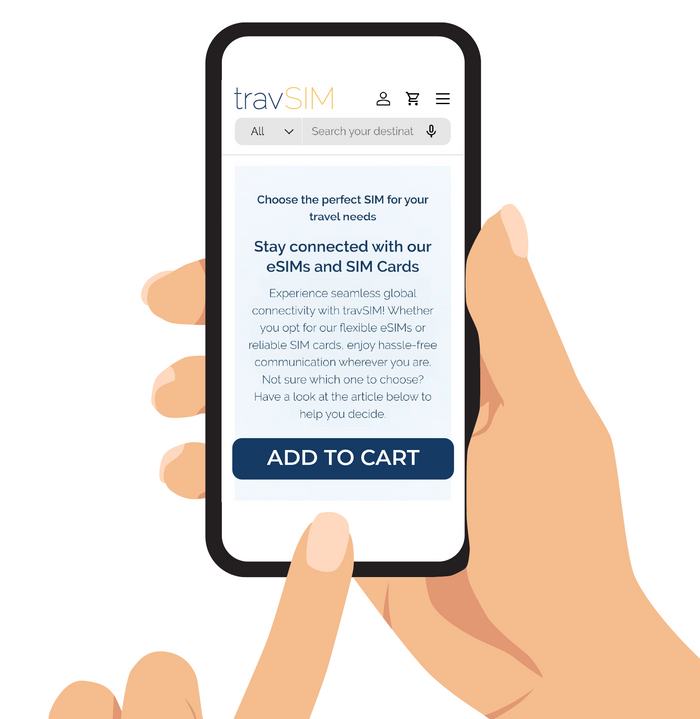
    Purchase and receive your SIM Card

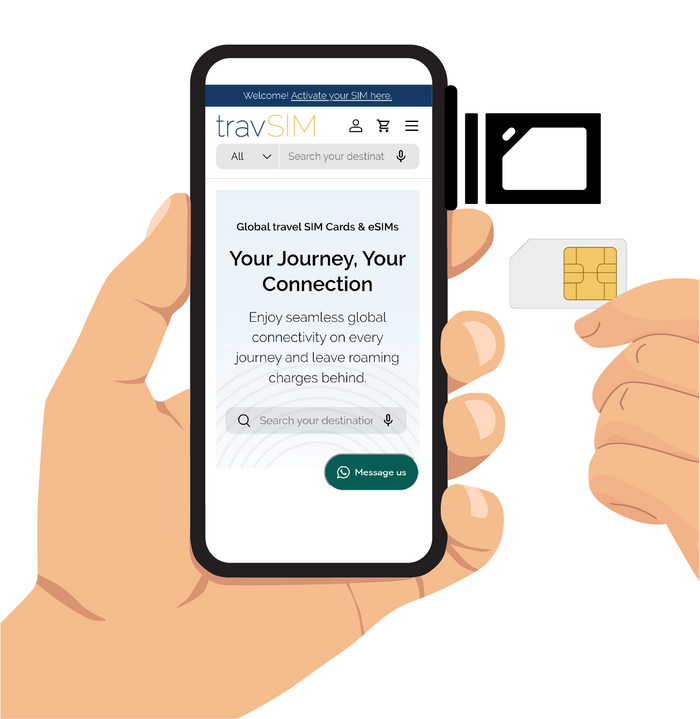
    After purchasing your South Africa SIM card, you’ll receive a 3-in-1 SIM (Standard, Micro, Nano) along with activation instructions in English, German, and French.

  • Booking a USA eSIM activation date on the activation page

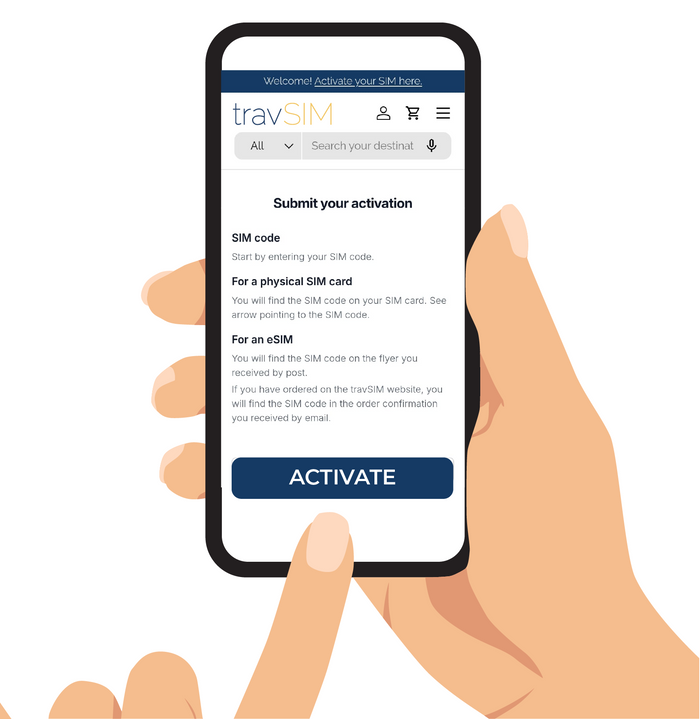
    Submit your activation request

    To ensure everything is ready for your arrival, we recommend submitting your activation request 3-5 days before your travel date. Activation is processed in Pacific Standard Time and may take up to 24 hours to complete.

  • Insert and enjoy seamless connectivity

    When you arrive in South Africa, simply insert your SIM card into your device, and you’ll be instantly connected. Start using your data, calls, and texts right away, hassle-free.
Need more info?

FAQs about our South Africa SIM card products.

Everything you need to know about the 
South Africa SIM card, grouped so you can find the right answer faster.
Still unsure?Our travel support team can help.
Ask us

Need more data or a phone number with the South Africa SIM card?

Choose the 100GB package above. It runs on the MTN network and includes a phone number, but no airtime for calls or texts.

What does the South Africa SIM card include?

The South Africa SIM card is data only. It does not include a phone number, calls or texts. Choose the data amount and number of days that suit your trip from the plan options on this page.

Can I make calls with the SIM card for South Africa?

Not as standard phone calls. The SIM card for South Africa is data only, so it has no call minutes or texts. You can still call and message over its data with apps such as WhatsApp.

Does the South Africa travel SIM card come with a phone number?

No. The South Africa travel SIM card is data only and does not include a phone number. To stay reachable, use calling and messaging apps such as WhatsApp over its data.

How long is the South Africa SIM card valid?

The South Africa SIM card lasts for the number of days shown in the plan you choose, counted from when the data plan starts. Until it has connected to a network for the first time, it stays valid for 1 to 2 years, so you can buy it well ahead of your trip.

Which network does the SIM card for South Africa use?

The SIM card for South Africa is not tied to one carrier. It connects automatically to the strongest available partner network once data roaming is switched on. If it does not connect, search manually: on Android go to Settings > Connections > Mobile Networks > Network Operators and turn off Select Automatically; on iPhone go to Settings > Mobile Data > Network Selection and turn off Automatic.

Which package for the SIM card for South Africa connects as soon as I insert the SIM?

The 100GB package above. It runs on MTN and connects automatically when you insert the SIM in South Africa.

Does the South Africa SIM card need a PIN?

If your phone asks for a PIN when you insert the South Africa SIM card, you will find the PIN and PUK printed on the SIM card holder it came in.

How do I activate my SIM card for South Africa?

Once you have received your SIM card for South Africa, send an activation request on our activation page. It is pre-activated as soon as we receive the request, whatever date you enter, and you receive an activation email. The data plan itself only starts when data roaming is switched on and the SIM card connects to a network.

Which package for the South Africa travel SIM card works without a PIN?

The 100GB package above needs no PIN.

Will my phone work with the South Africa travel SIM card?

The South Africa travel SIM card works in unlocked phones. If your phone shows 'blocked', 'barred', 'incorrect SIM' or 'SP lock', it is locked to another network: ask your current provider for the unlock code.

Can I keep using WhatsApp with my own number on the South Africa travel SIM card?

Yes. WhatsApp keeps working with your current phone number while the South Africa travel SIM card provides the data.

How do I check how much data is left on the South Africa SIM card?

Your phone's mobile data usage screen shows an estimate, but it is not always accurate. For an exact figure, contact our support team. You will not receive a message when your data runs out.