

Costa Rica eSIM
Payment & Security
Accepted payment methods
Select your payment method after clicking “Add to cart”
Privacy Assurance
Your privacy is our priority. Your personal and payment information is secure, never shared with third parties, and protected for a safe shopping experience

Costa Rica eSIM
Instant Activation with our Costa Rica eSIM for your journey
Traveling to Costa Rica? Stay connected effortlessly with our Costa Rica eSIM, providing fast 4G/5G data and no roaming fees. Whether you're exploring the cloud forests of Monteverde, enjoying the beaches of Tamarindo, or hiking around the impressive Arenal Volcano, this eSIM offers reliable nationwide coverage. Choose from flexible prepaid plans starting at 1GB, available for 15 or 30 days to match your travel needs.
This is a data-only eSIM and does not include a phone number. Compatible with all eSIM-enabled iOS and Android devices, it’s delivered instantly via email—no physical SIM card required. Stay online for navigation through Google Maps, social media, streaming, and keeping in touch with loved ones, all while avoiding roaming fees and hidden charges. Perfect for tourists, business travelers, and digital nomads wanting smooth, reliable connectivity throughout Costa Rica.
Buy 2 and save
Get rewarded for your loyalty – enjoy a 10% discount when you buy 2 of the same product!
Experience Costa Rica




Need more info?
FAQs about our Costa Rica eSIM products.
Everything you need to know about the Costa Rica eSIM, grouped so you can find the right answer faster.
What does the Costa Rica eSIM include?
Can I make calls with the eSIM for Costa Rica?
Does the Costa Rica travel eSIM come with a phone number?
How long is the Costa Rica eSIM valid?
Which network does the eSIM for Costa Rica use?
How do I install the eSIM for Costa Rica?
How do I activate my Costa Rica travel eSIM?
Can I keep using WhatsApp with my own number on the Costa Rica travel eSIM?
How do I check how much data is left on the Costa Rica eSIM?
Will my phone work with the Costa Rica eSIM?
eSIM Activation Made Easy
-
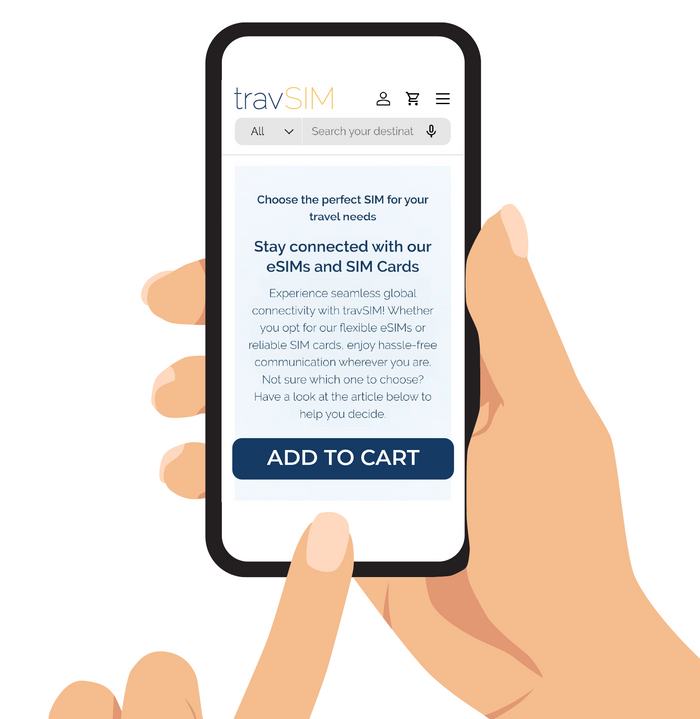
Step 1: Receive Your Activation Link
After purchasing your Costa Rica eSIM, you'll receive an email within an hour. This email includes a QR code and a direct link to our activation page. If you can’t scan the QR code, simply click the link.
Important: This QR code and link are not your eSIM but your access to book your activation.
-
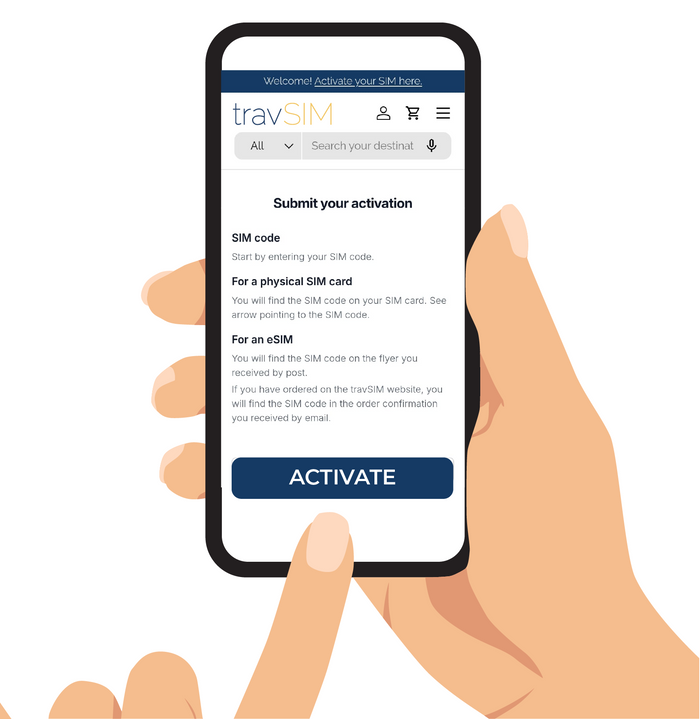
Step 2: Book Your Activation
Click the link or scan the QR code to open the activation page. The SIM code is pre-filled, so you only need to enter your personal details and choose your activation date.
Tip: It’s important to book your activation as soon as you receive the QR code and link to avoid any delays.
-
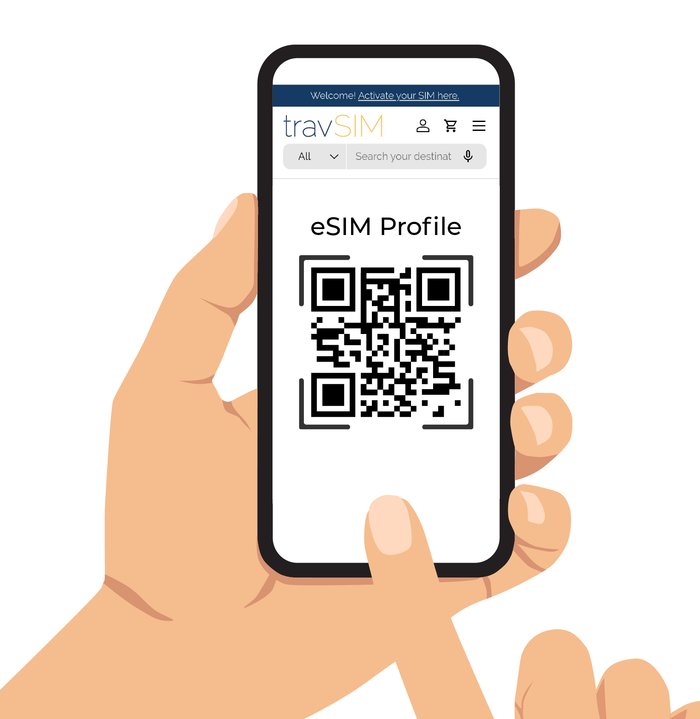
Step 3: Get Your eSIM
On your chosen activation date, we’ll send you an email with the actual eSIM QR code. Simply scan it to install your Costa Rica eSIM and enjoy seamless connectivity during your travels.